
Best Bookkeeping Software for Self-Employed: Expert Guide
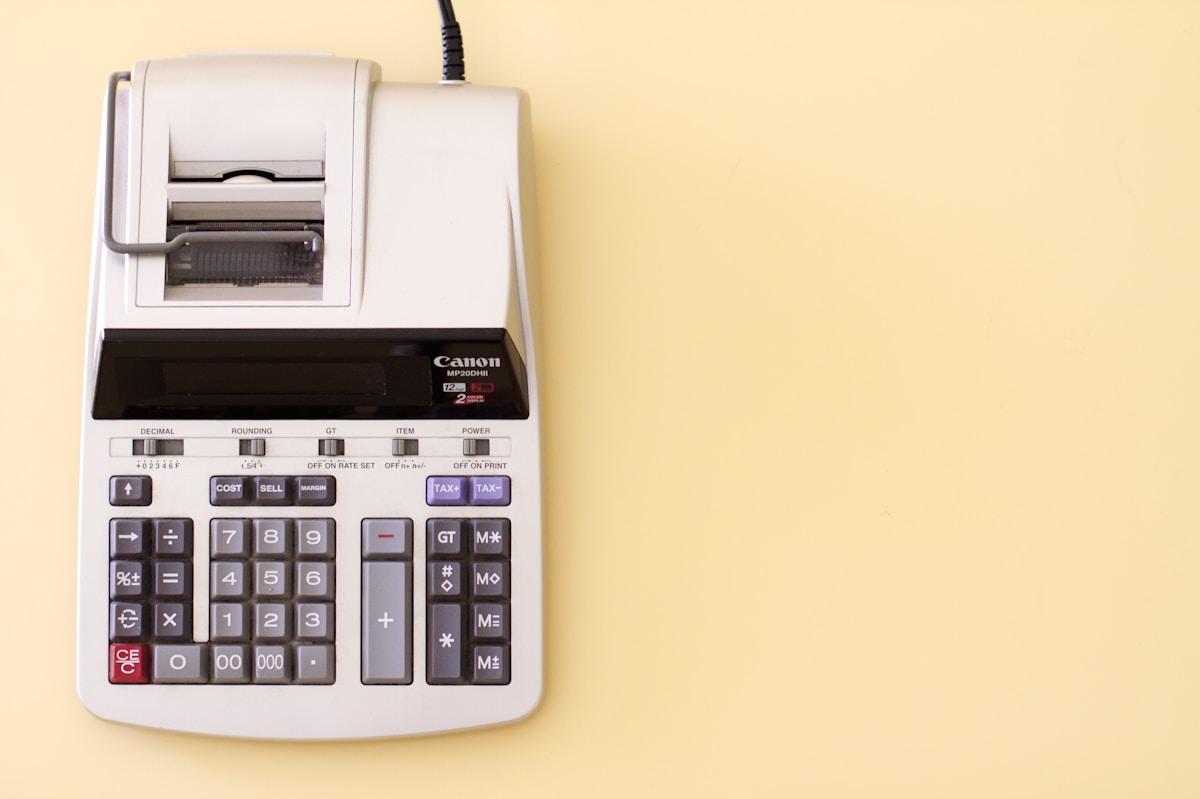
Photo by StellrWeb on Unsplash
We don’t quote prices for third-party products: list prices change often and we can’t verify them for you. Check the vendor’s or retailer’s own current listing.
Introduction to Bookkeeping Software for Self-Employed
As a self-employed individual, you wear many hats. Bookkeeping is one of them — and it’s crucial. The IRS expects the self-employed to keep complete and contemporaneous records. Having accurate financial records is key to avoiding audits and ensuring compliance with tax laws.
With so many expenses to track — from home office deductions to business mileage — it’s easy to get overwhelmed. That’s where bookkeeping software comes in: to simplify finances and reduce stress. For example, QuickBooks — a popular bookkeeping software — offers features like automated expense tracking and tax deductions, making it easier for self-employed individuals to stay on top of their finances.
Part of our complete guide: for the full picture, see AI Accounting Daily Review: 5 Key Checks.
Key Takeaways
Here are the key points to consider when choosing the best bookkeeping software for self-employed individuals:
- Streamline finances: Bookkeeping software helps reduce errors and saves time.
- Reduce stress: Automated features like expense tracking and invoicing make it easier to manage finances.
- See what actually pays: clean books show you which clients and services carry the business and which ones quietly cost you money.
- Compliance: Bookkeeping software helps ensure compliance with tax laws and reduces the risk of audits.
Key Features to Look for in Bookkeeping Software
For bookkeeping software for self-employed individuals, there are several essential features to look out for. Invoice tracking, for instance, is crucial — it helps you keep tabs on payments owed to you. FreshBooks lets you create and send an invoice in minutes, and shows you when it was viewed and paid.
Expense categorization is another vital feature. It enables you to organize your expenses into categories like travel, meals, and office supplies, making it easier to claim deductions on your tax return. For example, QuickBooks’ software allows users to categorize expenses with ease, using features like automatic expense categorization and receipt scanning.
Other key features to consider include:
- Tax deduction management: Helps you identify and claim eligible deductions, reducing your tax liability.
- Financial reporting: Provides you with a clear picture of your financial situation, including income, expenses, and profits.
- Multi-user access: Allows multiple users to access the software, making it easier to collaborate with accountants or bookkeepers.
Top Bookkeeping Software for Self-Employed: In-Depth Reviews
For choosing the best bookkeeping software for self-employed individuals, the options can be overwhelming. Here are three top bookkeeping software options for self-employed individuals: QuickBooks Self-Employed, Xero, and Wave.
The AI Bookkeeping System for Freelancers Who Hate Spreadsheets — If you would rather follow one written plan than piece this together yourself, our $37 guide lays out the setup in eight sections, from connecting accounts to the report pack for your accountant. see what’s inside the bookkeeping guide
QuickBooks Self-Employed
QuickBooks Self-Employed is a popular choice among freelancers and small business owners, and for good reason. With its user-friendly interface and robust feature set, it’s easy to see why. One of the standout features of QuickBooks Self-Employed is its ability to track business expenses and separate them from personal expenses.
Xero
Xero is another top contender in the bookkeeping software space, and its popularity among self-employed individuals is well-deserved. One of the key benefits of Xero is its ability to integrate with a wide range of third-party apps and services, making it easy to connect with other tools and streamline workflows.
Wave
Wave is a cloud-based bookkeeping software that’s designed specifically for small businesses and self-employed individuals. One of the standout features of Wave is its free plan, which includes many of the same features as paid plans, such as income and expense tracking, invoicing, and payment processing.
Which One Is Right for You?
Here are some recommendations based on specific use cases:
- Best free option: Wave
- Best for invoicing: FreshBooks
- Best for Schedule C filers: QuickBooks Self-Employed
- Best for simplicity: Zoho Books
- Best for AI-powered automation: QuickBooks
AI-Powered Bookkeeping: How Automation Can Simplify Finances
Automated data entry is a huge time-saver. No more tedious manual input — AI-powered bookkeeping software can extract data from receipts, invoices, and bank statements with ease.
Pricing and Plans: What to Expect from Bookkeeping Software
For choosing the best bookkeeping software for self-employed individuals, pricing is a crucial factor. Most top bookkeeping software options offer monthly and annual plans — with discounts for long-term commitments.
Frequently Asked Questions
What is the best bookkeeping software for self-employed individuals? The best bookkeeping software for self-employed individuals depends on their specific needs and preferences. However, some popular options include QuickBooks Self-Employed, Xero, and Wave.
How much does bookkeeping software cost? The cost of bookkeeping software varies depending on the provider and the plan.
Conclusion and Recommendation
After reviewing the top bookkeeping software options, I recommend QuickBooks Self-Employed for its ease of use and comprehensive features. With its affordable pricing and AI-powered automation, it’s the best choice for self-employed individuals looking to streamline their finances.
Keep reading
Want to go deeper? Read our guide on Xero Bookkeeping Software Reviews: 5 Expert Insights.
Related guides
Next step: Our $37 guide collects the setup, the categorization rules and the weekly check in one document. see what’s in the guide